Live TV and guide
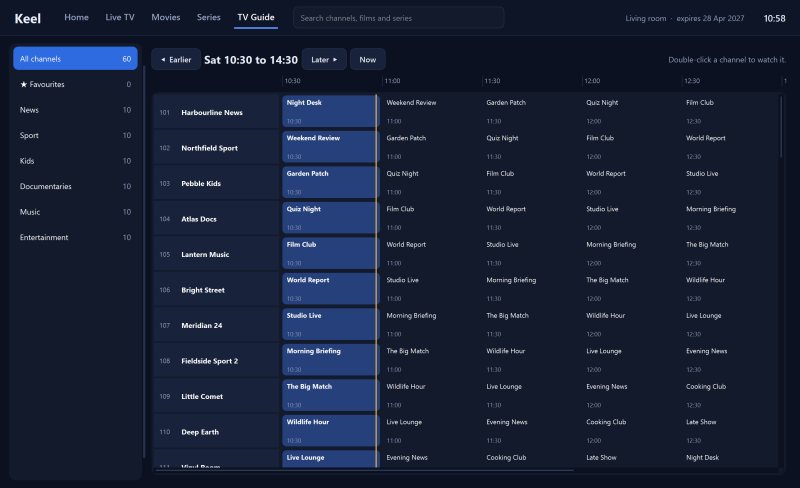
Categories with counts in the provider's own order, channel numbers and logos, now and next on every channel, a full programme grid and catch-up on channels that support it.
IPTV player for Windows
Steady streams, whatever the weather.
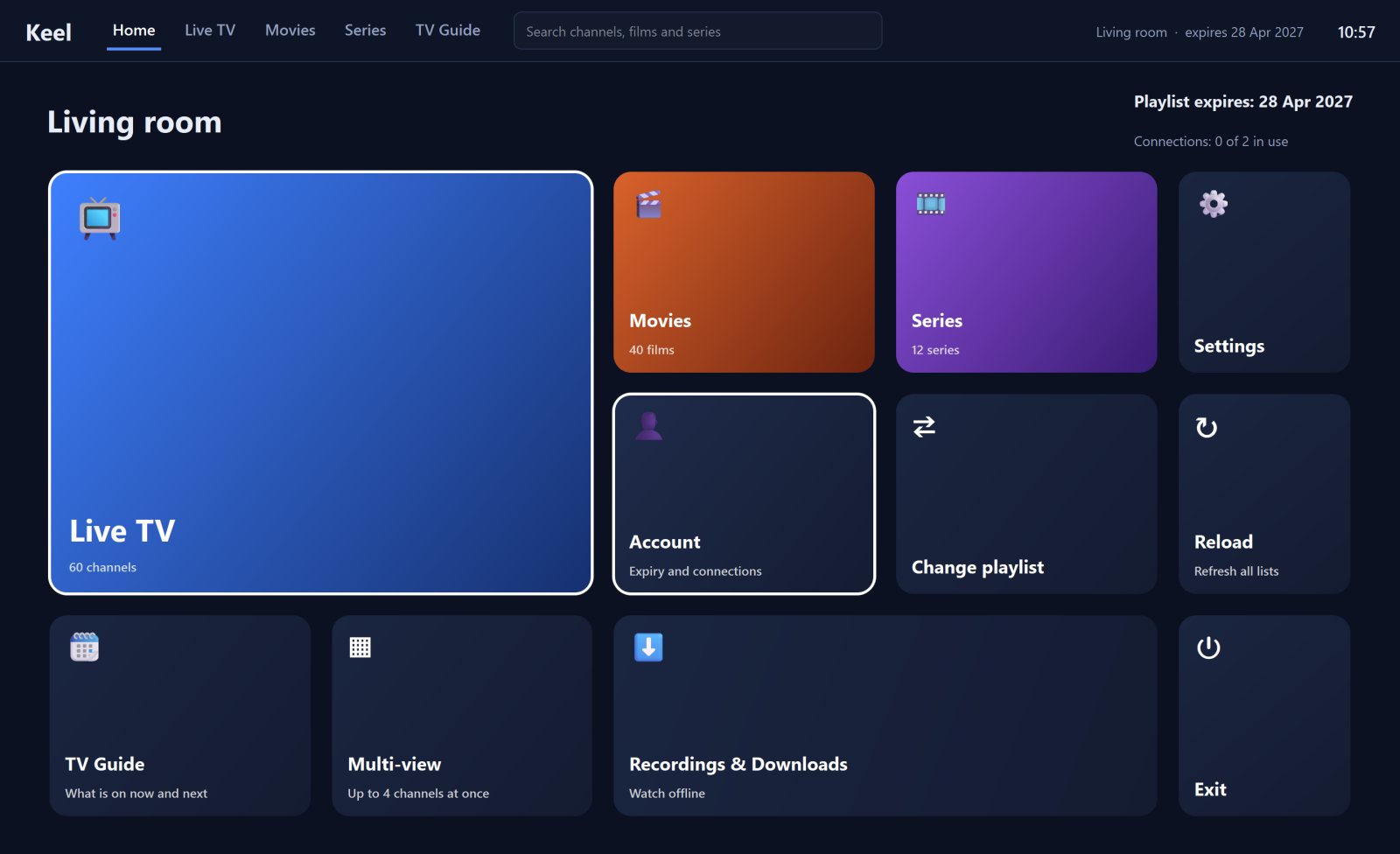
Keel is a desktop player for people's own IPTV subscriptions. It was built around one stubborn problem: many IPTV servers drop connections constantly, and most players simply give up. Keel retries, reconnects and keeps playing, and wraps that in a living-room interface for live TV, films and series, with recording, downloads and one shared playlist list across all of your devices.
Testing against a real subscription showed that around half of all new connections to the server were reset before any video arrived, while connections that were kept open worked every time. Ordinary players open a fresh connection for every stream, seek and segment, so they fail at random and blame the channel. Keel puts a small relay inside the app. The video engine only ever talks to the relay, and the relay reuses open connections, retries resets, reconnects live channels when they drop and never opens a second stream on accounts that allow one connection at a time.
The same relay makes other features cheap. Recording a channel is just a second copy of bytes that are already arriving, so it needs no extra connection, and per-channel headers from M3U playlists are sent exactly where they belong.
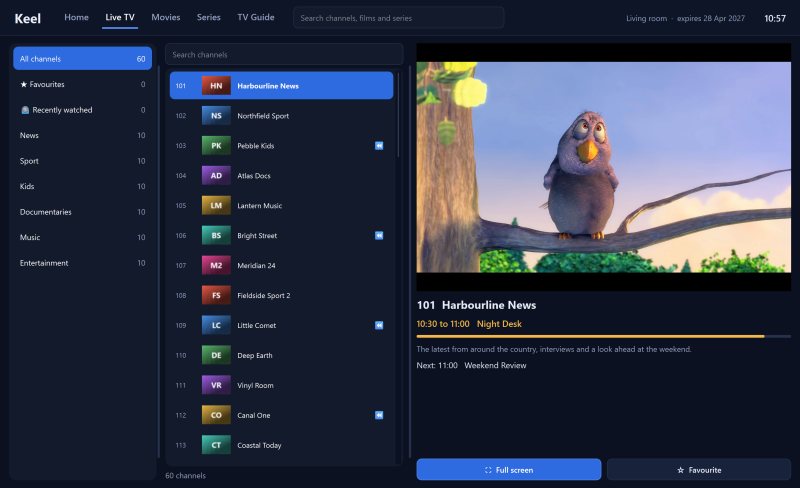
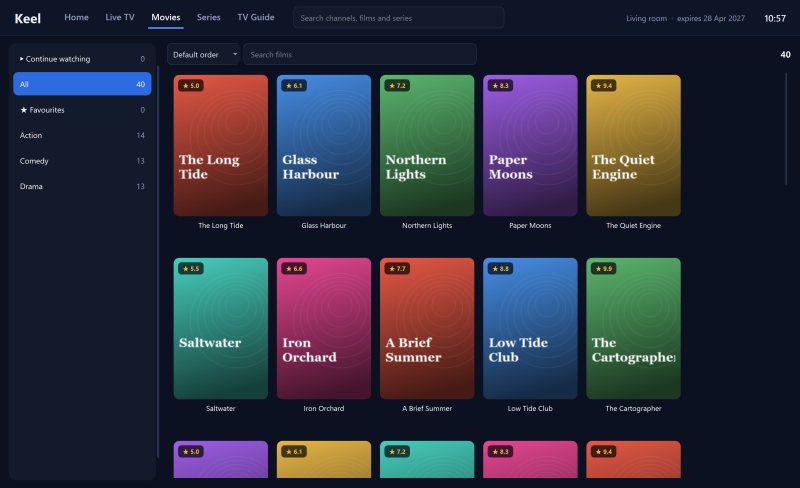
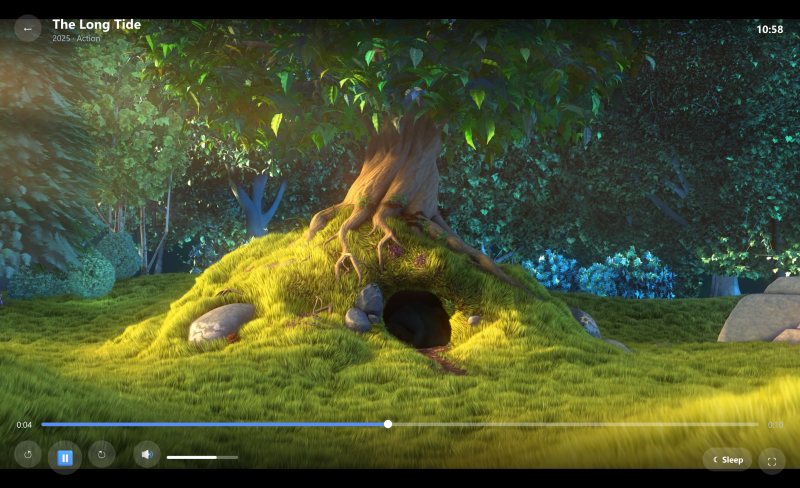
Screenshots use fictional channels and titles. Video stills from Big Buck Bunny, © Blender Foundation, CC BY 3.0.
Categories with counts in the provider's own order, channel numbers and logos, now and next on every channel, a full programme grid and catch-up on channels that support it.
Poster grids with cover art and ratings, details pages with plot, cast and running time, and seasons that show your progress through every episode.
Resume points save as you watch, Continue Watching collects unfinished titles, and anything into the credits counts as watched automatically.
An up-next countdown, a global threshold and a per-series "credits start here" point for shows with long end credits.
Record the live channel you are watching with one press, and download films, episodes or whole seasons to watch offline, with pause and resume.
Watch two or four channels side by side and move the sound between them with a click, within the provider's connection limit.
Link devices with a short code. They share a single playlist list, so changing it once updates them all, while each device keeps its own licence.
PIN-locked categories that stay hidden from search, plus hidden categories for the countries and genres you never watch.
Seeking, audio and subtitle tracks, keyboard shortcuts, channel zapping by number, a sleep timer and a 12 or 24-hour clock.
Keel is written in Python with Qt. Video runs through Qt Multimedia's bundled FFmpeg engine and is drawn through QML, so the controls sit over the picture at roughly the same CPU cost as a plain native video window, measured at 16% of one core against 12% for 1080p, compared with 66% for the usual overlay approach. Licensing runs on a small PHP and MariaDB service on this server: each install registers a device ID on first launch, which starts a seven-day trial, and every licence answer is signed so the app can verify it offline.
Download Keel for Windows, add your playlist and watch. After the trial it costs £1 a year or £5 for life, per device, paid from inside the app.
Keel is a media player only. It does not sell, include or provide any channels, subscriptions or playlists.